Duo-Chrome Programmatic Universe


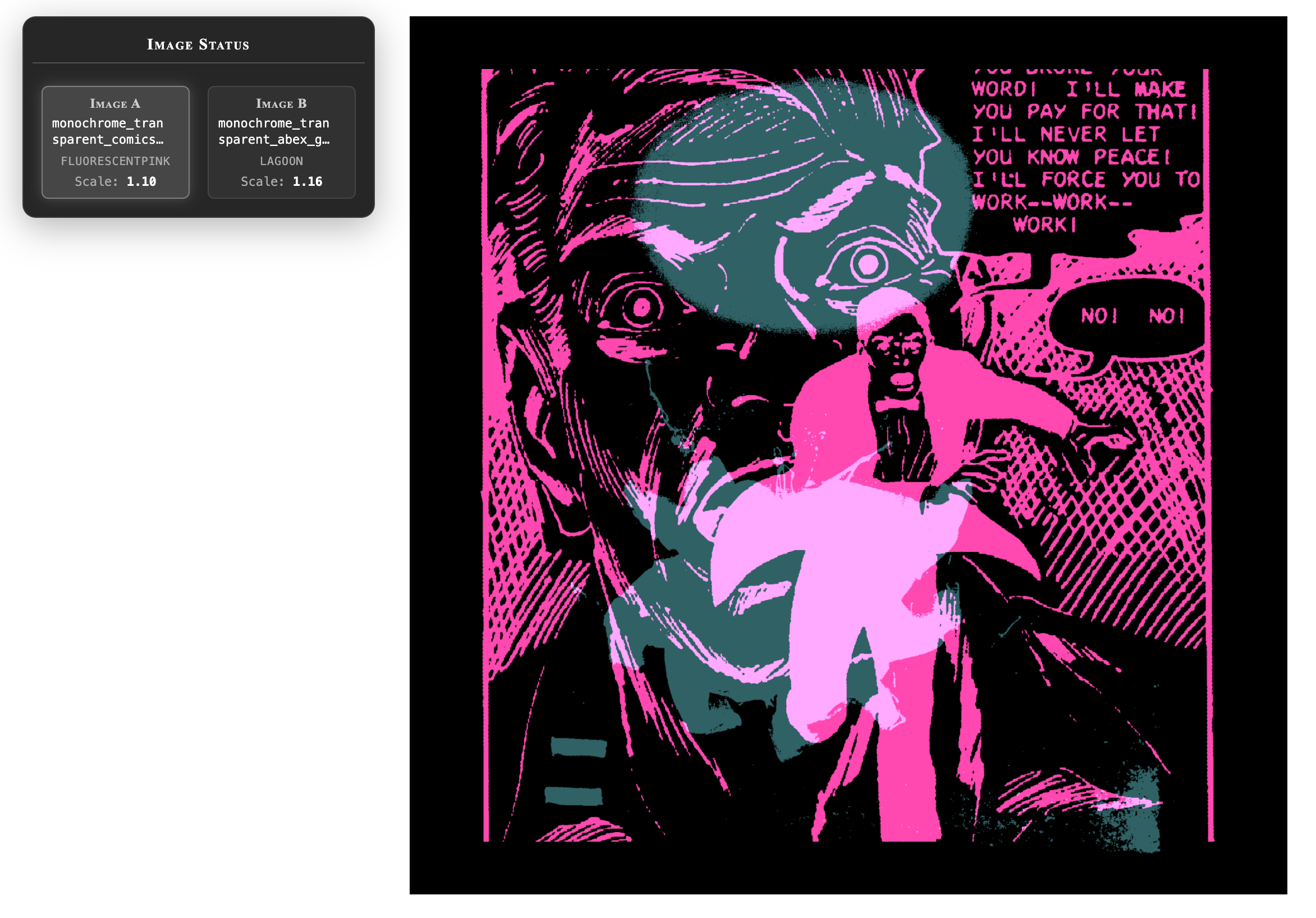
Duo-chrome is a browser-based app that juxtaposes 2 images in 2 colors. The source images are black-on-transparent, and use p5js and web-canvas to composite into colors.
I originally envisioned the app operating in real-time in the browser. Motion (or the appearance therof) attracts the eye and holds attention, and I like working in JavaScript because it's ubiquitous — anyone with a modern browser can view the work. But taking two images, converting them to white or black plus a single color and compositing them together on-the-fly (repeat ad naseum)? Javascript with p5.js*is not quite fast enough for real-time (though WebGL might be able to handle it), so I broke out the threshold-conversion routine to a separate app (Monochromifier, below). And with that I made so many images I built a small app to browse and bulk-rename them.
Black-on-transparent is a technical constraint - web canvas can composite a black-and-transparent image with a solid color, and end up with a colored image. It doesn't work with black-and-white or white-and-transparent (now that I think about it, the latter might well work and the white bits would be easier to see in a non-app preview).
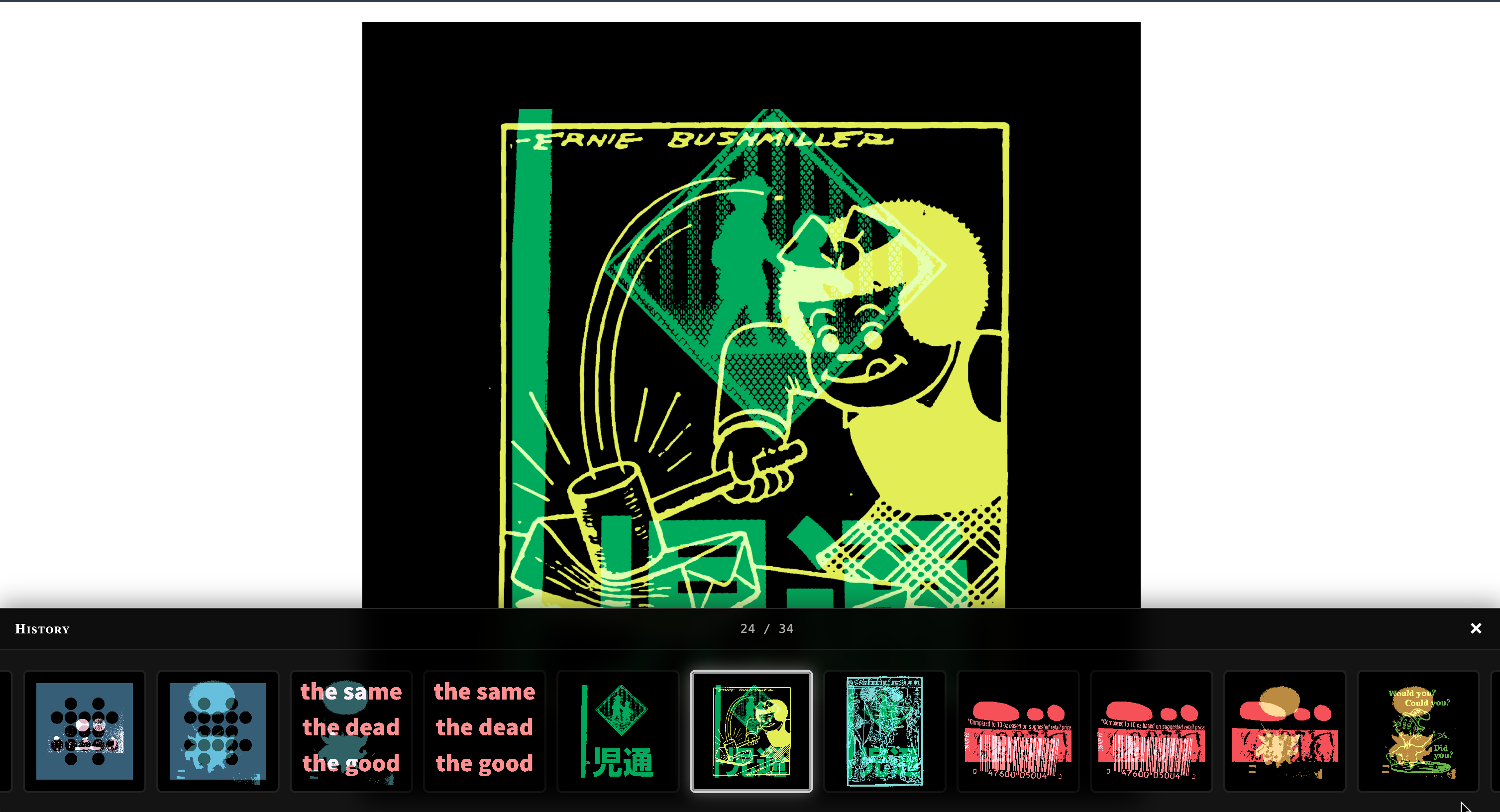
A full workflow goes like this: I collect source images — my own photos, logos, artwork (I'm partial to artists like Warhol, Gottlieb, and Motherwell), comic book frames, coloring book pages — and run them through Monochromifier. There I crop, erase, and isolate the parts I want, converting them into black-on-transparent squares. After building up a collection of these processed images, I use Renamer Browser to organize and tag them by theme or other characteristics. Then I point Duo-Chrome at a collection, and it generates a sequence by randomly selecting images and colors from a palette. The app repeats each image across two frames, so any three consecutive frames are visually connected. I then select individual images, or stitch sequences into a movie (using ffmpeg or the like). I can also navigate to recently made images and modify them - changing the color of either image, swapping colors, changing sizes, changing one or both images, etc. The results end up on Instagram, Facebook and Flickr. Duo-Chrome creates connected frames — each image appears twice in sequence — so a sequential result feels less like random noise and more like a visual progression or animation.
I'm building Duo-Chrome and Monochromifier in a github mono-repo, along with some other generative art apps that share some code. The renamer-browser is in a separate repo with other image modification tools (plus it's in Python because reasons). I agonize over moving it into the monorepo, or Monochromifier into the other repo, weekly.
The app is also available online at https://michaelpaulukonis.github.io/duo-chrome, but with a preset cluster of images. It does not currently support imports. If you want to run it, you can download the code and black-and-transparent images into the target folder. Will there ever be another way to handle this? I don't know. As a personal project, I don't curently have such a need. But the direction any given project takes does change over time.
Monochromifier (a tool that makes black and white images, except the white is not white it is transparent)
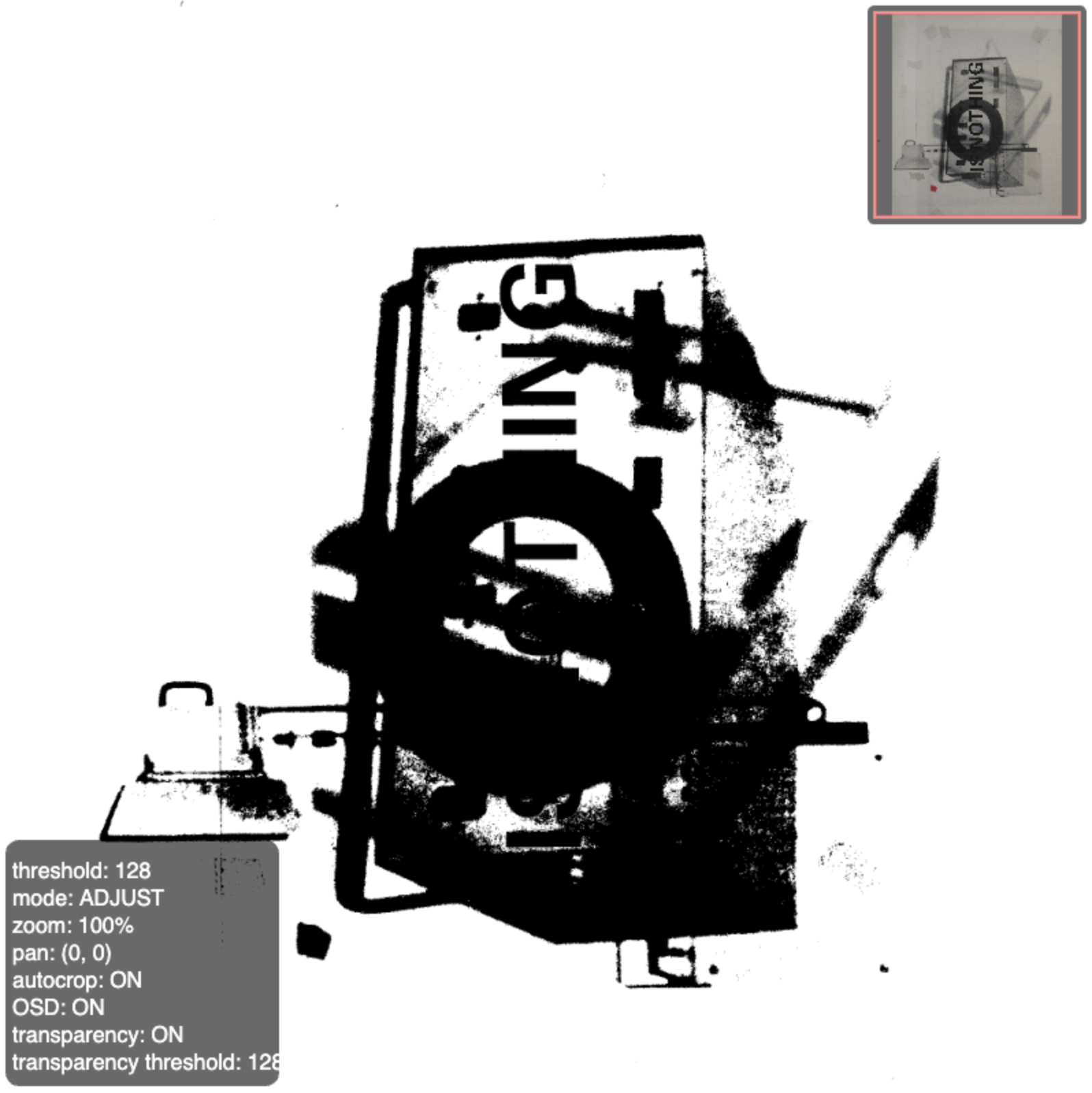
Square black-on-transparent images are created in "Monochromifier." This is another browser-based app, using p5js, that allows me to select parts of images to use. It can adjust the threshold value, allows for cropping, resizing, placement adjustment, and some simple paint/erase functions. It started out very, very simply and has evolved (or devolved, depending on your view of simplicity and the codebase) over time. Is the app overpowered? There has certainly been scope-creep, but all of the new features are to support the original goal - generating input images for DuoChrome. And usually the more I work with something, the more fiddly bits I wish to fiddle with. Minimalism is never easy (and I almost never approach minimalism, but I often start near it).
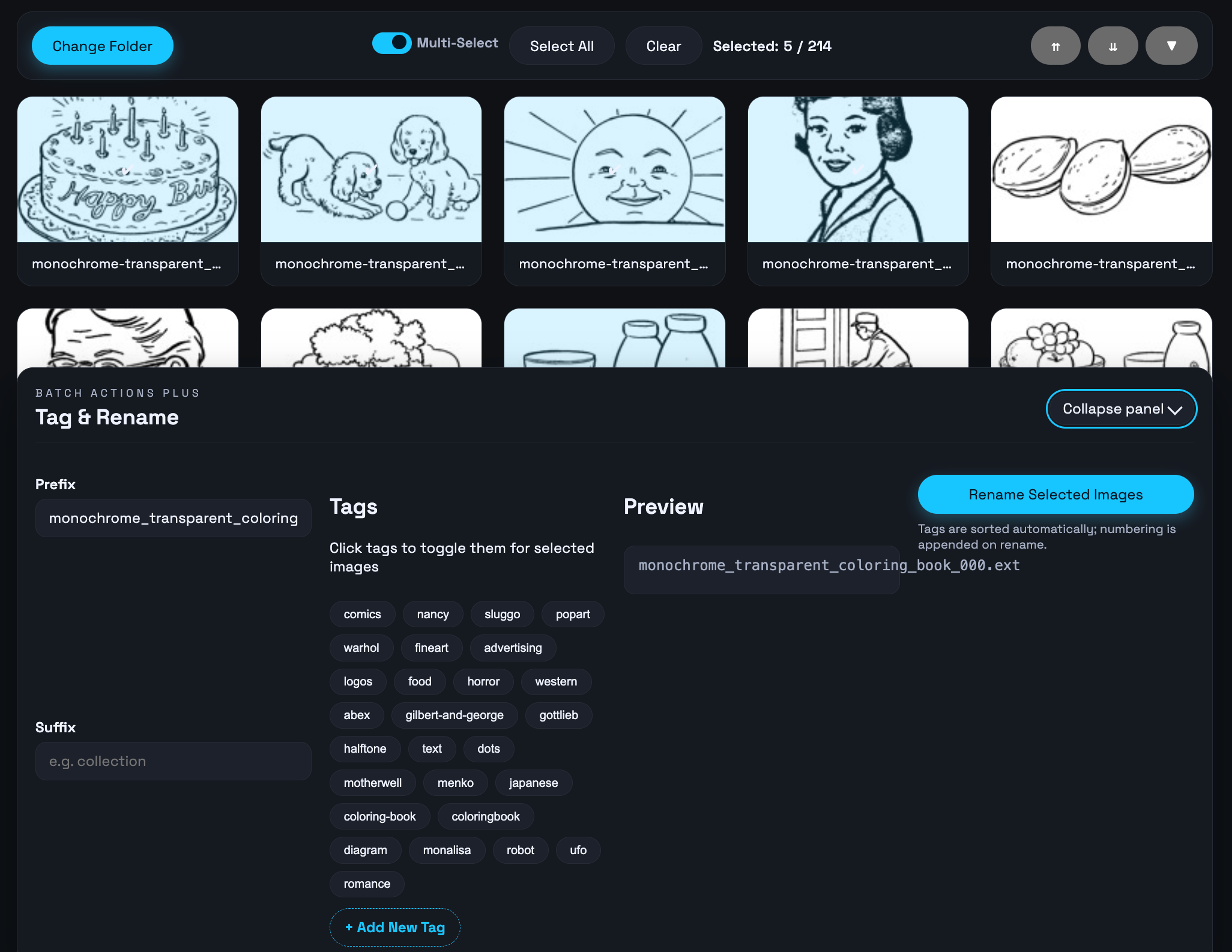
Renamer Browser (another tool, and you won't believe what this one does!)
The Renamer Browser is a lightweight, Python-based tool created to help me get a better handle on the monochromifier output. It provides a web-interface for browsing directories, showing thumbnails + larger views, and applying reusable tags -- all to rename files in bulk with consistent naming conventions. This allows me to manually filter duo-chrome collections more easily, or maybe build such filtering directly into duo-chrome. The scope-creep never stops creeping!